
Text to HTML: a practical workspace for clean output and Word-to-HTML import
This page is built for people who actually ship HTML, not just generate it once. You can draft content, format it in a rich editor, and export production-ready markup in one flow. It works well for quick snippets, email campaigns, help center docs, announcements, and reusable blocks.

More than a basic text to html converter
Most converters stop at plain transformation. Our editor adds structure and design control while keeping your HTML readable. You can switch headings, manage lists, insert tables, apply links, and keep output tidy with formatting and clean-up tools. The built-in layout features help you organize sections before you publish, so your final result looks intentional instead of rushed.
If you need a word to html workflow, import a DOCX file, refine the content, and export final HTML in the same tab. For media-heavy content, local image and local video import are available, but we recommend keeping video files small for smoother browser performance. The 10MB local video limit is there to protect editing speed and reduce page lag.
Open the text to html converterLayout-aware editing
Use containers and multi-column layouts to build better content hierarchy before export.
Design presets for faster polish
Apply style presets and block styles to turn plain text into clearer, more professional HTML.
Media and document friendly
Import DOCX, insert image/video content, and keep source output controllable for sharing.
Text to HTML converter with layout tools for polished output
This tool is built for creators, marketers, and developers who need useful HTML quickly and still want control over structure, readability, and style.

Rich text to html conversion with predictable structure
Edit directly in a rich input area and generate clean content HTML in real time. You can keep headings, lists, links, tables, and spacing in a consistent structure, then copy or download the result. This helps when you need stable HTML for newsletters, CMS entries, docs, or template systems.
- Use one workspace for text to html conversion and refinement
- Support word to html conversion with DOCX import
- Create cleaner email html template output with layout and style tools
- Upload local video with a practical 10MB limit to avoid page lag
How to use this text to html converter in real projects
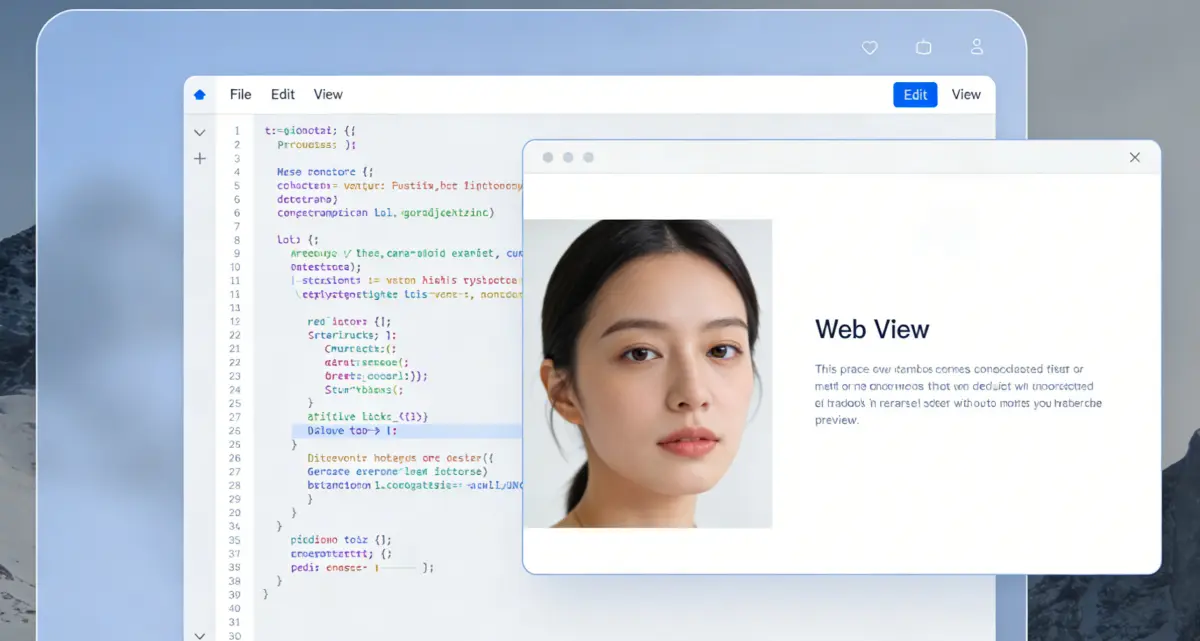
Step 1: Start with text, Word content, or an existing draft
Paste plain text, type directly, or import a DOCX document if you are doing word to html conversion. Keep paragraphs short and use headings early so the generated structure stays clean. If you are preparing a reusable block, save a draft to iterate faster.

Step 2: Build structure before style
Use heading levels, ordered or unordered lists, table tools, and layout containers to define information hierarchy first. Then apply style presets and block styles only where emphasis is needed. This sequence prevents messy markup and avoids visual noise.
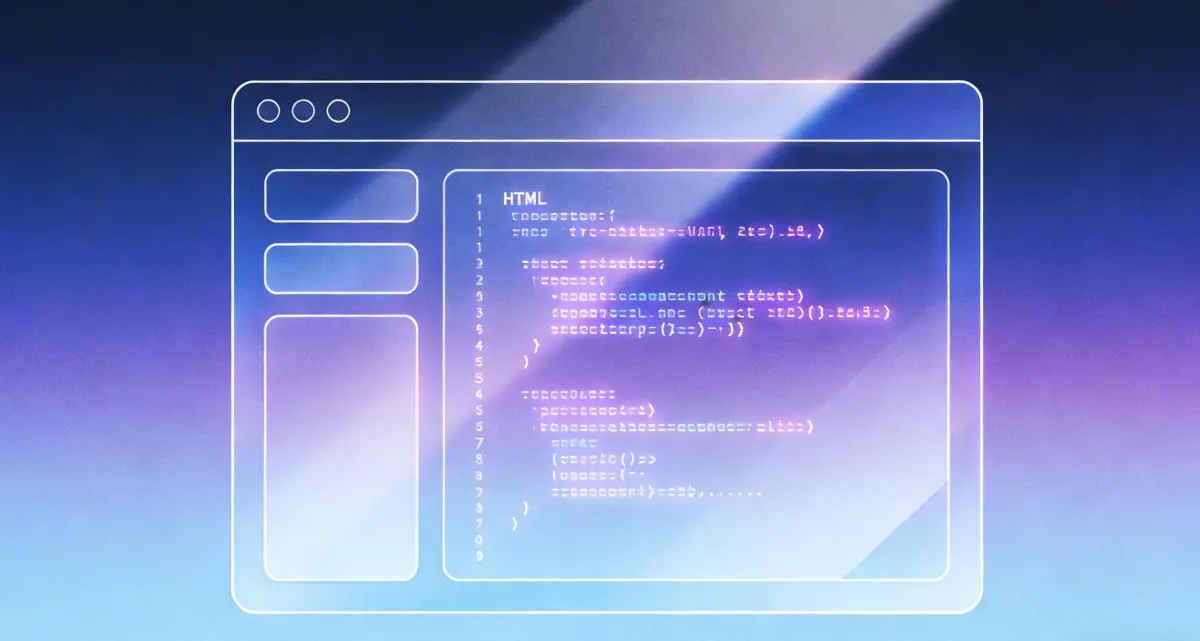
Step 3: Finalize HTML for publish, email, or sharing
Review generated HTML, toggle output mode when needed, and copy or download the result. If your content includes local video, keep files small to reduce browser memory pressure and improve editing smoothness. For broader compatibility, prefer URL or embed code when possible.
What people value in our text to html workflow
Users say the biggest win is not only conversion speed, but the ability to produce cleaner and more presentable HTML in a single editor.

"I tested multiple text to html converter tools. This one stood out because layout tools and style presets help me deliver cleaner client-ready HTML without extra post-processing."
Morgan L.
Content operations manager
"The word file to html converter flow saved us time during documentation migration. We imported DOCX, cleaned structure, and exported usable HTML with fewer manual fixes."
Emma R.
Technical writer / Using tool for 5 months
"As an html email editor alternative, it gives enough formatting and layout control while keeping output understandable. Great for campaign sections and announcement emails."
Noah C.
Email marketer / Using tool for 3 months
"I like that media handling is practical. Local video upload works, and the 10MB reminder prevents slow pages. It feels built for real browser constraints, not just demos."
Ava K.
Frontend specialist / Using tool for 4 months
Text to HTML converter FAQ
Build cleaner HTML with a smarter text to html editor
From quick snippets to long-form publishing workflows, convert, format, and export in one browser-based tool.
Text to HTML Converter
- Rich text to html conversion with real formatting control
- Word file to html converter flow for DOCX content
- Layout and style tools for more polished output than basic converters
- Local video support with a performance-first size limit
No installation required. Works in modern browsers.

Share this tool with your team
If your team writes docs, emails, or announcements, this workspace helps produce cleaner HTML with less rework.