HTML formatter
Readable markup is easier to ship
This page focuses on a practical workflow: take messy HTML from real projects, make structure readable, verify output quickly, and hand off a clean file. It is designed for people who need reliable formatting without opening a full IDE or setting up a project.
Built for practical cleanup tasks
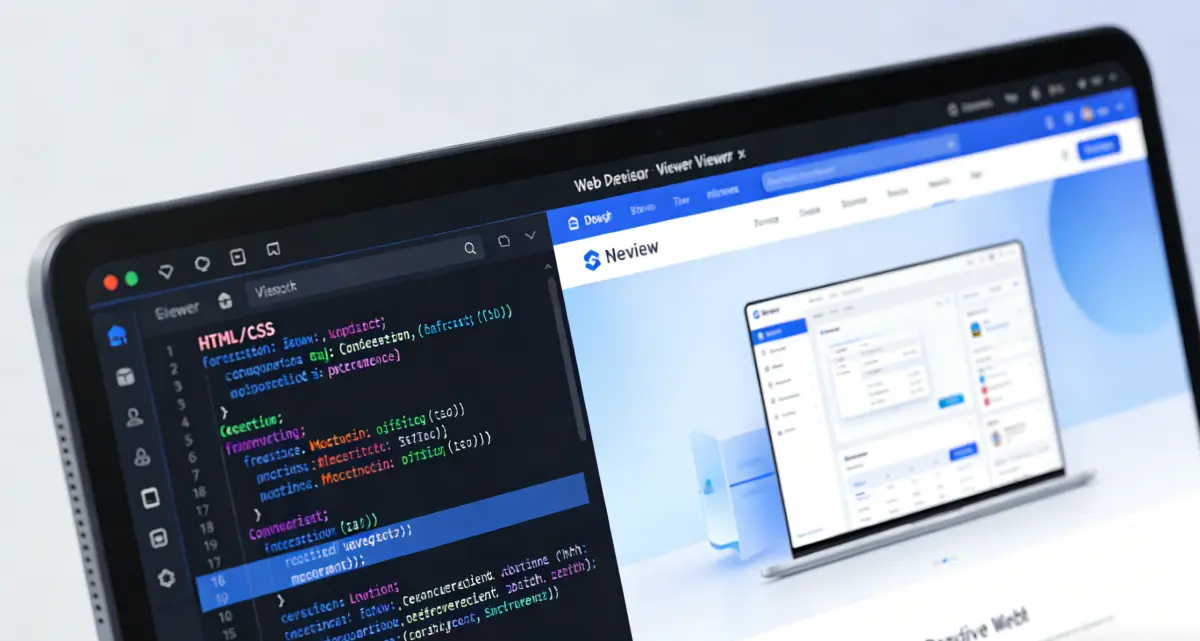
Use it when markup comes from CMS output, email templates, copied snippets, or generated sources. Once indentation is normalized, wrappers and nested blocks are easier to trace, and edits become less error-prone.
Preview sits next to formatted output so you can validate rendering before sharing, committing, or publishing. This reduces back-and-forth in reviews and helps teams discuss structure with the same readable baseline.
Format HTML nowStructure at a glance
Clean indentation reveals hierarchy quickly.
Better diffs
Consistent spacing reduces whitespace noise in reviews.
Preview check
Validate rendering before export or handoff.
What this page helps you do
Each feature serves one goal: make HTML easier to review without changing intended output.

Normalize structure for review
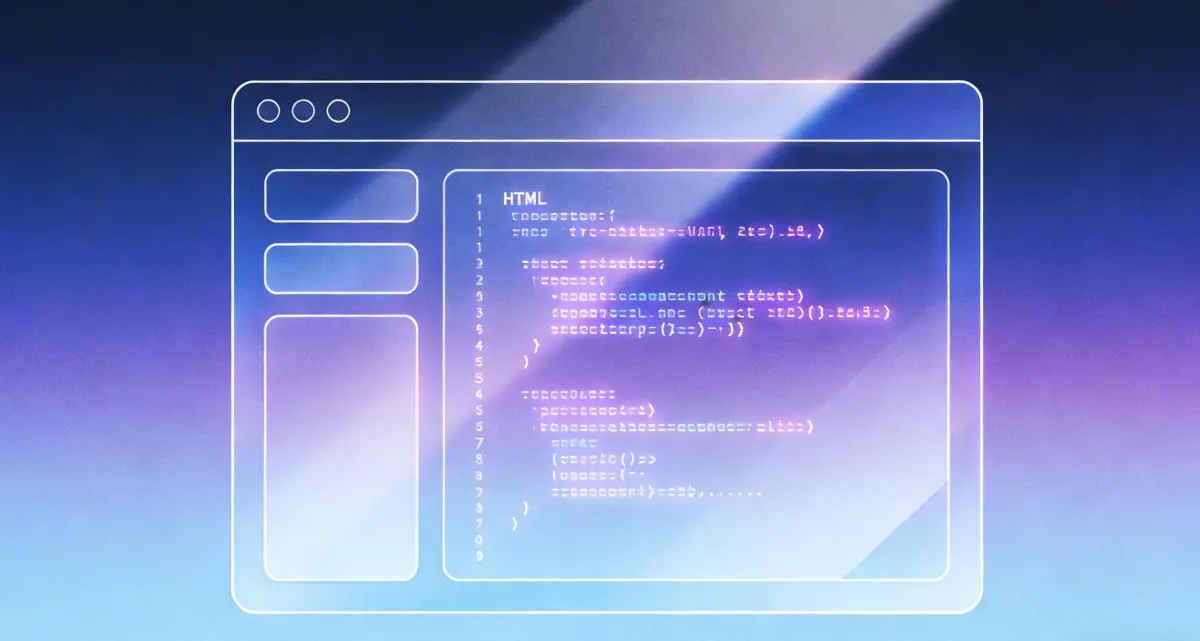
Turn inconsistent indentation into a readable tree so nested containers are easier to audit. Example: before `<div><ul><li>Item</li></ul></div>` in one line, after a multi-line nested structure that reviewers can scan.
- Clean indentation makes HTML structure easier to scan.
- Preview formatted output for quick visual checks.
- Import/export support fits real file workflows.
- Runs in browser with no sign-up.
How to use the HTML formatter

Front-end developer
Use formatted output plus warnings to isolate broken wrappers before opening a PR.

Content operations
Clean CMS-exported HTML before handing it to engineering, so structure is immediately readable.
Email template maintainer
Format nested table markup before edits to reduce accidental breakage in email layouts.
Instructor / mentor
Show before/after examples so learners can see how hierarchy changes readability.
Why people keep an HTML formatter nearby
Role-based notes focused on review quality and debugging speed.

I run formatting before touching inherited templates. The cleaned structure makes parent-child boundaries obvious, so fixes are faster.
Front-end developer
Template cleanup workflow
"Formatting plus preview helps me catch wrapper mistakes before code review, which cuts revision rounds."
UI engineer
/
"In training sessions, showing raw vs formatted HTML makes tag hierarchy click for juniors."
Student
/
"Support tickets get clearer when we attach formatted snippets; engineers reproduce issues with less back-and-forth."
QA specialist
/
FAQ about this HTML formatter
Ready to clean up your markup?
Standardize HTML before review: format, verify warning scope, preview, then export.
HTML formatter
- Normalize indentation for readability
- Preview output before sharing
- Import and export .html files
- Free to use
Tip: attach a before/after diff in tickets to show structure-only cleanup.

Keep markup readable
Use formatting as a quick step in your edit and review workflow.