What an HTML to PPT converter should actually let you control
Most tools that claim to convert html to ppt only do fixed automatic splitting. Our workflow is different: you can choose slide ratio, set target page count, or drag break lines to control exactly where each slide starts. That means this online converter .html to ppt is not just a renderer; it is also a visual slide-splitting editor. You still work in a simple browser flow: edit, preview, split, export. You can also stash and merge: split one HTML into slides, or export several HTML files into one PPTX—steps below.
Why teams need convert html to ppt in real work
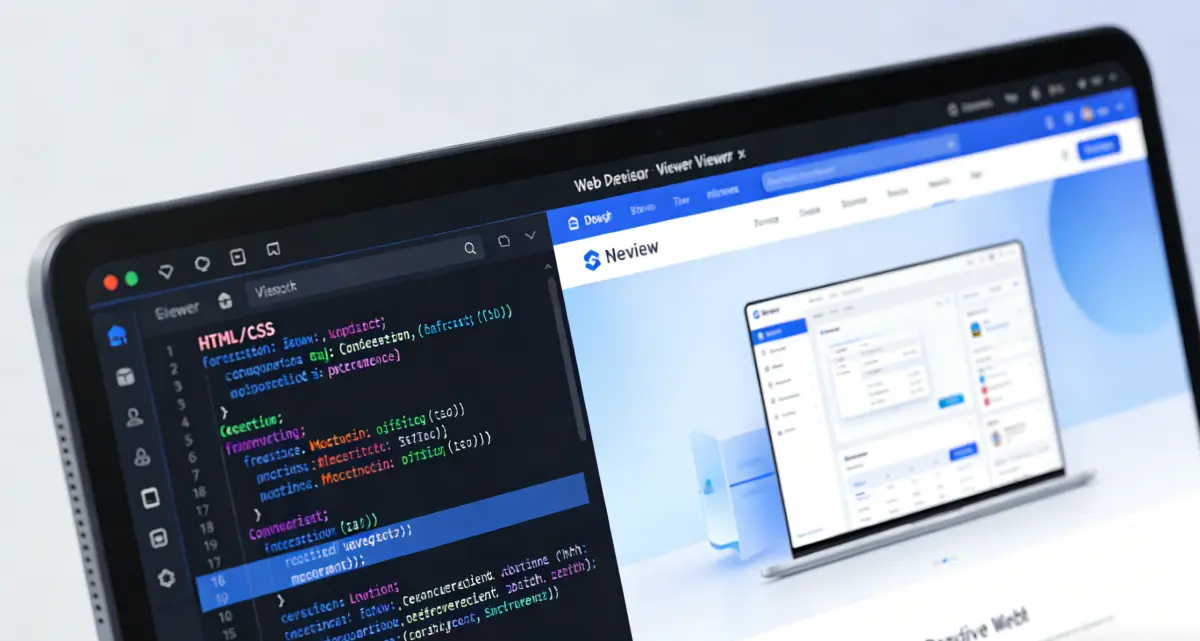
A live web page is great for browsing, but slide decks are better for meetings, demos, and handoffs. Product teams use html to ppt converter workflows to freeze release notes into talk tracks. Marketing teams use them to turn landing page sections into pitch pages. Educators use them to convert one HTML lesson into a slide deck for class. The value is not only export—it is predictable pagination.
Use automatic ratio mode for speed, page-count mode when you have a strict deck length, and manual breaks when you want editorial control. This helps avoid awkward cuts in charts, screenshots, or section headers. In short, you convert html to ppt with both visual fidelity and layout intent. To combine several HTML files (chapters, modules), tap Save & continue after each export, swap content, then download to merge all slides.
Jump to the converterVisual split control
See break lines in preview before export, so slide boundaries are intentional instead of guessed.
Multiple splitting modes
Switch between ratio-based auto split, equal split by page count, and draggable manual breaks.
Browser-first workflow
No desktop app required: write HTML, preview result, then download PPTX. For multiple HTML files, stash each export batch.
Built for practical HTML to PPT tasks
From first draft to PPTX—single-page splits and multi-file merge both supported.

One editor, one preview, one export loop
Paste or import HTML, validate layout in iframe preview, choose your split strategy, then generate slides. The preview modal lets you inspect each page before download so you can iterate quickly. To merge several HTML files into one deck, tap Save & continue after each generation, swap content, then download to merge.
- Split long HTML; merge multiple HTML files
- Save & continue—stash batches, download once
- Convert html to ppt in the browser
- No sign-up required
How to convert HTML to PPT in this tool

Prepare content in the HTML editor
Paste markup or import a local file. Keep your layout readable and preview-friendly before splitting.

Choose a split method
Use 16:9, 4:3, or 16:10 for fast auto split; choose custom page count for fixed deck length; or switch to manual breaks and drag lines to exact positions.
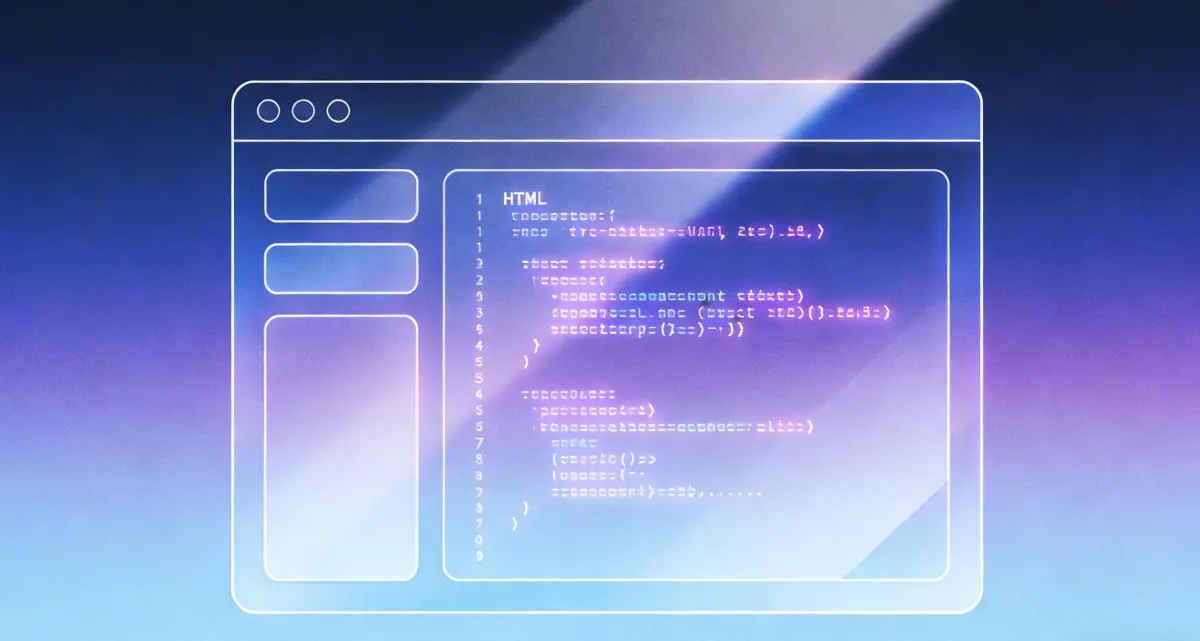
Review slide previews and download
Generate PPTX, inspect each slide in the preview modal, then download when boundaries and visuals look right. For this deck only, Download is enough.
Multiple HTML: Save & continue
In the preview modal, tap Save & continue to stash slides. Clear to swap HTML (stash stays) or Import the next file, pick split mode, then Generate PPTX again. Repeat until all batches are stashed.
Review stash and download merged PPTX
Open Saved PPT at the top to preview stashed slides. Generate the last batch or download to merge stash + current export. Clear saved resets stash; Clear does not.
FAQ: html to ppt conversion
Ready to use our HTML to PPT converter?
Edit HTML, choose split mode, preview slides, and export a PPTX that matches your intent.
HTML to PPT
- Live HTML preview before export
- Auto, page-count, and manual split modes
- Stash and merge multiple HTML into one PPTX
- Download PPTX in browser
Tip: set your slide ratio first, then place manual break lines to avoid rework. When merging HTML files, stash each batch before swapping content.

Turn web layouts into presentation decks
A focused html to ppt converter for teams that care about exact slide boundaries.