The HTML Viewer That Lets You View, Highlight & Learn
Think of it as an HTML runner and HTML test bench in one tab: live preview, syntax highlighting, and explanations. View any HTML, CSS, and JavaScript side by side, see which code drives which part of the page, and read clear explanations as you go. Whether you are debugging a layout or learning web development, it is built for viewing, running, and learning.
No account required
Runs locally in browser
Import, edit, export workflow

A practical HTML runner for checking, testing, and cleaning markup
Most quick editors either render output or edit code well, but not both in a clean workflow. This page focuses on daily tasks: run and test HTML, verify output, inspect structure, clean formatting, and share results quickly.
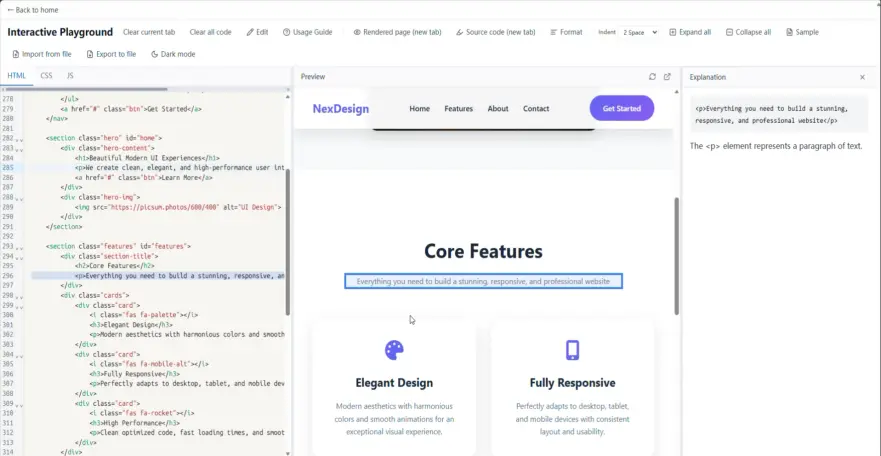
Keep code and rendering side by side
Open the editor and preview together, then move between source and output without switching tabs. This is useful for debugging snippets, reviewing generated markup, and checking layout behavior before sharing.
Formatting and inspection are built into the same flow. You can paste messy markup, normalize indentation, verify output in preview, and export a clean file for handoff or commit.
Back to topLive preview
See output update as you edit HTML, CSS, and JavaScript.
Code-to-output tracing
Use highlighting to connect source lines with rendered elements.
Clean export
Format markup and export a readable .html file for review or delivery.
Core features for viewing, running & testing HTML
Use it to test HTML in context: two-way highlight sync—click the code to see the matching preview element, or click an element in the preview to jump to the corresponding source line.
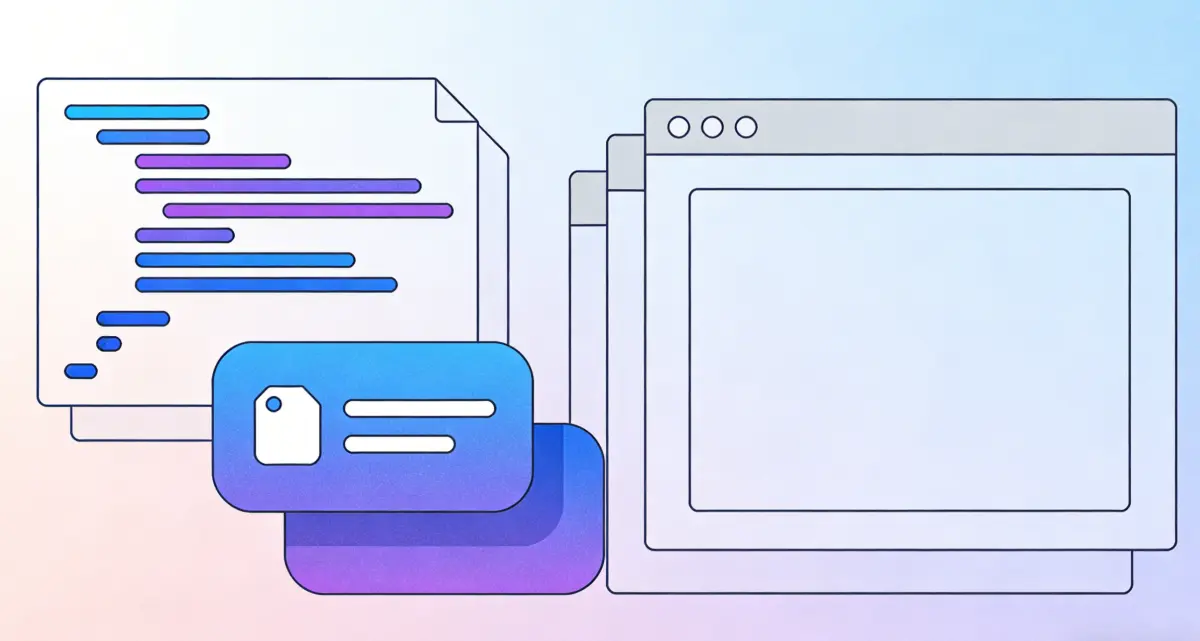
Two-way highlight sync (code ↔ preview)
The key idea is the mapping between source and rendered output. Click a line in the code: the matching element in the preview will highlight. Click an element in the preview: the code editor will jump to the corresponding line and highlight it too. If your HTML is malformed, you can click “Try repair” to preview the diff first, then choose whether to apply it.
Playground: features worth a quick read
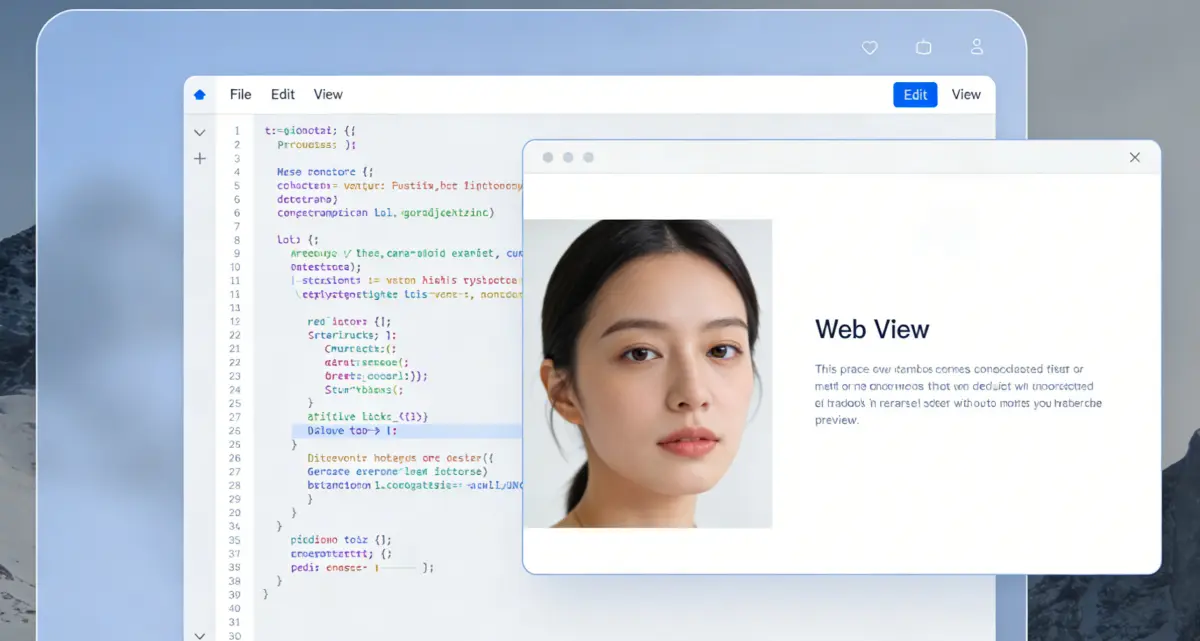
Edit mode and two-way highlighting
By default, code and preview stay linked: click something in the preview to highlight the matching code, and click code to highlight the matching area in the preview. When you need uninterrupted typing or big paste jobs, click Edit to enter edit mode—it turns off highlight sync and jump-to-line so you can focus on editing.

Format
Format tidies the active tab (HTML, CSS, or JavaScript) with consistent indentation and line breaks so the file is easier to read, review, and share.
Expand all / Collapse all
Long files can fold regions in the editor. Expand all opens every folded section at once; Collapse all closes them so you can scan the outline or focus on one part.
What users say
Short notes from common use cases: debugging, cleanup, and teaching.

I use it when a snippet looks wrong in production. Seeing source and preview together cuts my debugging time a lot.
Alex M.
Front-end developer
"Our team uses it to clean generated HTML before committing. The formatted output is easier to review."
Jordan K.
Student / Using tool for 4 months
"I teach juniors with it because they can see markup changes reflected immediately in preview."
Sam T.
Designer / Using tool for 2 months
"Import, adjust, preview, export. The flow is simple and avoids opening three different tools."
Riley C.
Beginner / Using tool for 3 months
Open the Playground
Run an HTML test in seconds: paste code, preview output, format markup, and export clean HTML.
HTML Viewer
- Edit HTML, CSS, and JS in one place
- Preview output instantly while you type
- Format markup for cleaner review
- Import and export .html files