HTML to Markdown when your source is messy—and you still need clean output
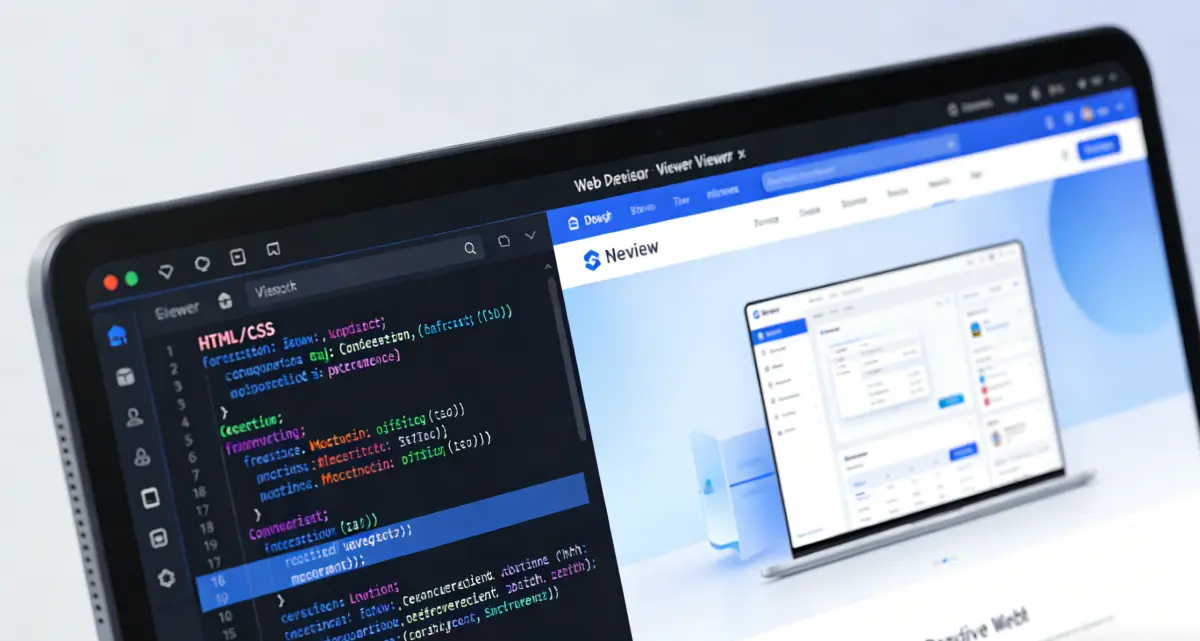
Most teams do not start with a neat `.md` file. They start with HTML: a WordPress export, a Notion publish, an email template, a help-center scrape, or a dashboard mockup saved from the browser. You need Markdown for GitHub, a static site, or an internal wiki, but copy-paste gives you either stripped plain text or a wall of tags nobody wants to edit. This html to markdown workflow runs in your browser—no install, no upload queue. Paste or import HTML on the left, read Markdown on the right, and open a proper preview before you commit. When layout-heavy pages produce choppy line breaks, **Format layout** tightens the draft in one click. When you want the full editing experience, **Viewer preview** sends the result to our Markdown Viewer in a new tab, with the same reading typography you would use for a long doc review.
What “convert html to markdown” should mean in practice
A useful converter keeps structure: headings stay headings, links stay links, lists stay lists, and fenced code stays fenced. That matters whether you are moving a blog post, a changelog, or an API reference. It matters even more for **html table to markdown** jobs—pricing grids, comparison tables, and spec sheets—where a dumb tag stripper collapses rows into unreadable paragraphs. We built this page for people who are **converting html to markdown** as part of real migration work, not as a one-off demo. You can tune how headings and bullets are written (ATX vs Setext, dash vs asterisk lists, fenced vs indented code) before you copy. You can strip scripts and styles when the HTML still carries editor chrome. None of that requires a server round-trip; the page is an **html to markdown online** tool in the straightforward sense—it works in the tab you already have open.
Where we differ from a minimal clipboard utility is the second half of the job: making the output pleasant to read and edit. The built-in preview uses the same rendering stack as our Markdown Viewer, so you are not guessing how `#` headings and tables will look. **Format layout** merges fragmented lines that often appear when the source HTML relied on nested `<div>` and `<span>` tags instead of semantic elements. **Viewer preview** opens the Markdown in the dedicated viewer when you need outline navigation, export, or a larger canvas—without re-importing the file. If you routinely move content between CMS HTML and repo Markdown, keep our Markdown to HTML converter in the same toolkit for the return trip. The two pages are meant to complement each other, not compete.
Try the converterMany HTML shapes, one workspace
Articles, landing-page sections, tables, and mixed inline markup are handled in one pass. Import `.html` / `.htm` when paste is awkward.
Polished Markdown, not a tag dump
Preview renders with viewer-grade typography. Format layout cleans up typical export noise before you ship text to GitHub or docs.
Hand off to the Markdown Viewer
Viewer preview loads your conversion in the full editor—better for long reads, fixes, and sharing with teammates.
Why use this HTML to Markdown converter
Built for migration and cleanup—not just syntax conversion.

Handles more than article HTML
Semantic pages convert cleanly, but so do many real-world exports: tables, blockquotes, inline emphasis, and code samples. Nested layout HTML may simplify—use Preview to catch edge cases early.
How to convert HTML to Markdown

Bring in HTML
Paste a fragment or import a file. Full pages are trimmed to body content so `<head>` noise does not pollute the Markdown.

Set conversion style
Choose heading style, list markers, and code block format. Turn off script/style stripping only if you intentionally need those blocks in the output.
Review Markdown and Preview
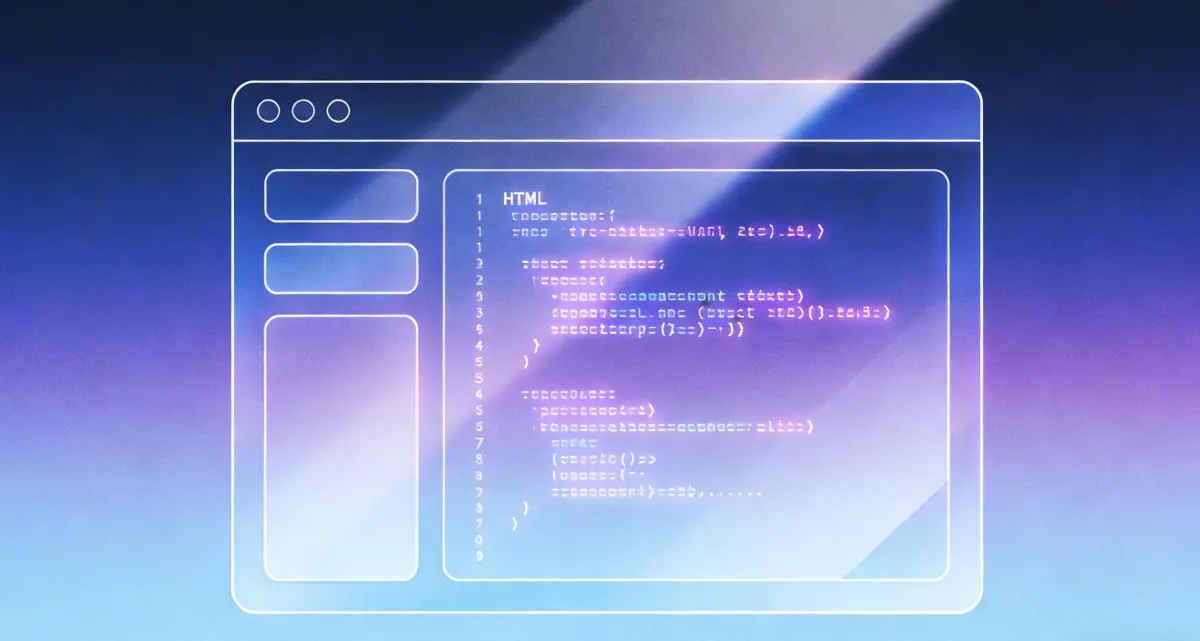
Read the raw Markdown tab for copy-paste, or switch to Preview for viewer-quality rendering. If lines look choppy, run Format layout before you copy.
Copy, download, or open Viewer preview
Copy to your repo, download a `.md` file, or open Viewer preview when you want the full Markdown Viewer workspace for edits and sharing.
HTML to Markdown FAQ
Convert HTML to Markdown in your browser
Paste HTML, tidy the draft, preview it like a real doc.
HTML to Markdown
- Local conversion—paste or import HTML
- Format layout for div-heavy exports
- Viewer-grade preview before you copy
- Open full Markdown Viewer in one click
Need the reverse? Use Markdown to HTML from the conversion menu.

Less cleanup after CMS exports
Turn HTML into editable Markdown with preview and a path to the full viewer.