
HTML Cleaner
Free html code cleaner online—instant Wash, no wait
Exports from a CMS, an email builder, or a saved web page rarely arrive as tidy markup. You get nested tables from newsletters, duplicate wrappers from WYSIWYG editors, tracking attributes you do not want in staging, and script tags that belong in production—not in a draft you are moving to another system. Generic “strip everything” tools can leave you with broken layout or remove tags you still need. This page is built for selective HTML cleanup: you choose how aggressive the pass should be, click Wash, and get cleaned markup back immediately in the browser—without uploading to a remote job that keeps you staring at a spinner. The workflow is deliberately split into two layers. First, sanitize and shape the markup with presets and checkboxes. Second, when the destination is prose rather than HTML, use the text tools on the same page to extract plain copy, preview layout or CSS-aware formatting, and download TXT, DOC, or DOCX. Many hosted washers still round-trip your HTML through a server and leave you waiting; here, Wash is local and instant so you can try another preset, adjust a checkbox, and wash again without losing momentum.
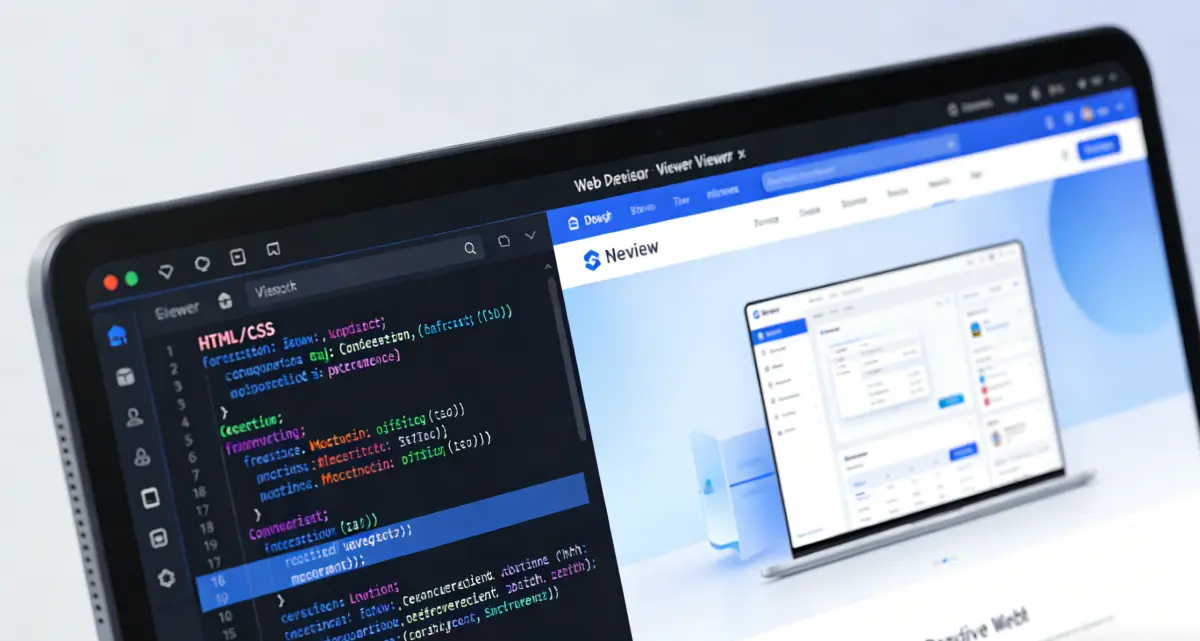
Why teams use a dedicated html code cleaner
Publishing, support, and migration work all hit the same wall: source HTML was written for one environment, and you need a smaller, safer subset for another. A minimal preset is right for article body copy. A standard preset keeps images and figures when you are archiving help content. Permissive mode respects div-based templates. Styled mode is for when class names and inline styles must survive. Reader variants focus on body text by trimming navigation, forms, and scripts—without forcing you to hand-delete chrome in the source.
Under the hood, familiar desktop-style toggles still matter: remove comments, empty tags, spans, tables, or scripts when the preset alone is not strict enough. Correct only is there when you mainly need nesting fixed and legacy tags updated, not a full whitelist pass. When you are ready to ship, turn on Compact output to tighten whitespace between tags, or leave it off for indented markup you can read line by line. Processing stays in your session—no upload queue, and no habit-forming pause every time you need another pass.
Try the cleanerInstant Wash—no queue, no forced pause
Click Wash and read the result in the output panel right away. Tuning presets is meant to feel immediate, not like waiting on a remote cleaner that takes seconds per run.
Nine presets instead of one blunt setting
Minimal, Standard, Permissive, Styled, and Correct only—each with an optional Reader variant—so you are not re-building the same rules on every paste.
Sixteen checkboxes you can override
Strip site chrome, styles, classes, scripts, or empty nodes only when the job calls for it; presets set defaults you can still change before Wash.
What this HTML cleanup tool actually controls
Instant Wash in the browser, then presets, fine-grained removal, compact output, and text conversion—without treating every export the same way.

Instant Wash when you click the button
Pick a preset, adjust checkboxes if needed, and click Wash. Cleaned HTML lands in the output panel immediately—no upload step and no multi-second wait for a server job to finish. Re-run Wash after tweaking options; the tool only cleans when you ask, so large files stay snappy while you experiment.
How to clean up HTML without guessing the right preset
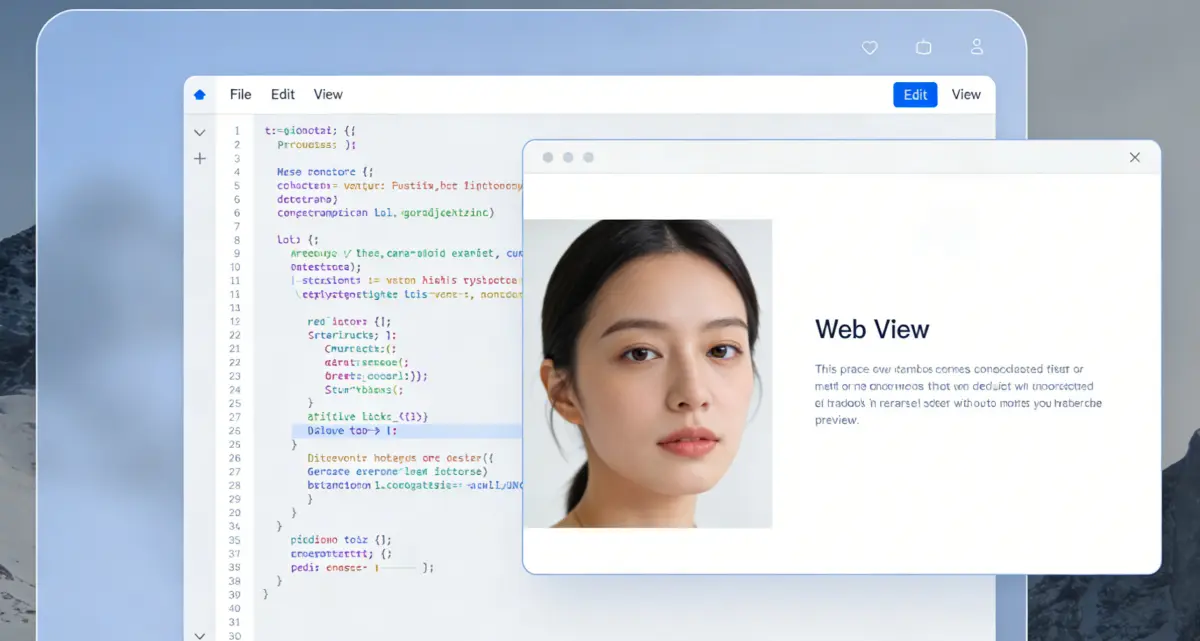
1) Paste, import, or load the example
Drop in HTML from view-source, a template export, or the built-in example to see how Wash behaves. Large documents stay in the browser; there is no arbitrary upload cap designed to push you toward a paid tier. Use file import in the text section below when your source is already on disk.

2) Match the preset to where the HTML is going
Choose Minimal for article-like markup, Standard when images and quotes should remain, Permissive for div-heavy templates, or Styled when classes and style attributes must survive. Reader variants are tuned for body content. Select Correct only when you need normalization more than removal—then rely on checkboxes if you still want scripts or styles stripped.
3) Wash, then copy, download, or preview
Open Settings to fine-tune removal options and Compact output, then click Wash. Results should appear right away in the cleaned panel—copy, download an .html file, or open Preview HTML on the main playground. Change presets or checkboxes and wash again when you need to; there is no auto-clean on every toggle, so you control when the next instant pass runs.
4) Extract text when HTML is not the final format
Switch the lower panel to Plain text, One-click layout, or CSS layout, run keyword statistics if you are editing for clarity, and export office formats when stakeholders need DOC or DOCX. The text step always uses the washed HTML from step three, so you are not maintaining two diverging versions.
Questions people ask before they wash markup
Run HTML cleanup once, reuse the result anywhere
Instant Wash in your browser—presets, compact output, and plain-text export in the same tab.
HTML Cleaner
- Instant Wash—free, online, no upload wait
- Nine presets from Minimal through Styled, plus Correct only
- Sixteen removal toggles and optional site-chrome stripping
- Plain-text export with TXT, DOC, and DOCX
Runs in your browser. No account required.

Cleanup and conversion in one workflow
From noisy export to policy-controlled HTML—and readable text when you need it.