
HTML to Text in 2026: clean extraction for real writing workflows
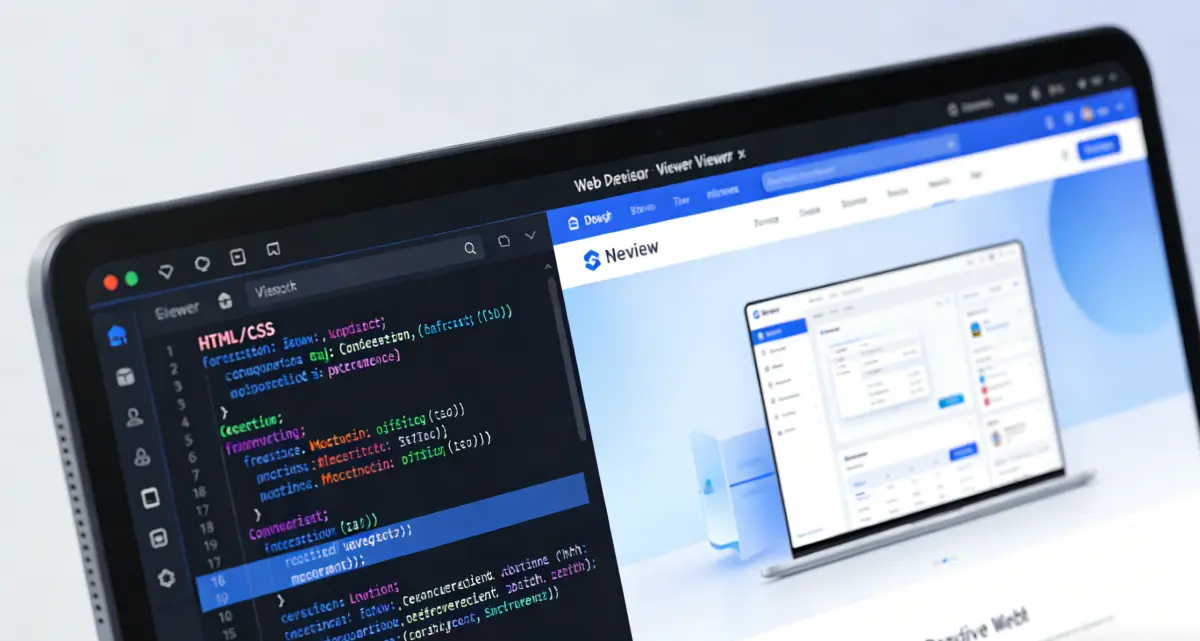
Most people do not need raw markup. They need readable content they can edit, reuse, translate, summarize, or publish. This page is built for that practical goal. You paste or import markup, convert it with html to text, and choose how much structure to keep. If your source includes headings, lists, and inline styling, you can preview output as plain text, one-click layout, or CSS layout before downloading. That means you can move from messy export code to useful writing material in one place, without opening a heavy editor or running custom scripts. The tool also supports users who are preparing files for office workflows. Sometimes the final destination is a note app, sometimes a CMS, and sometimes a document team asks for html to word. Instead of rebuilding content manually, you can extract text first, review structure, and then export in TXT, DOC, or DOCX. The result is faster handoff, cleaner drafts, and fewer formatting surprises in the next step.
Why this converter is different
Many converters treat every character equally, so CSS snippets, script blocks, and playground code leak into the final text. That is where output becomes noisy and hard to trust. Here, the extraction flow is built around content quality: it detects CSS-like code blocks, lets users keep or remove them with a clear switch, and keeps the decision visible. If you are converting tutorials or mixed editor exports, this single control can save minutes on every document.
The interface also separates core work from optional analysis. The conversion area stays focused on input and output, while keyword statistics open in a modal only when you need them. This matters for speed and clarity. You stay focused on conversion first, then inspect density and repeated phrases when editing for readability, search intent, or publishing quality.
Try HTML to TextThree output views for different editing stages
Use Plain text for strict cleanup, One-click layout for semantic readability, and CSS layout when visual cues still matter during review.
Export formats that match team handoff
Download TXT for lightweight systems, DOC for style-preserving office review, and DOCX for standardized document pipelines.
Built for mixed-content HTML
Supports snippets that include UI demos, embedded code, and partial templates, with controls that reduce noise before export.
What you can do with HTML to Text (2026 edition)
This is not just a basic strip-tags utility. It is a practical conversion workspace designed for people who edit, publish, and deliver content every day.

Accurate extraction from real-world markup
Imported HTML often includes extra wrappers, utility classes, or component traces that are irrelevant for writing. The converter removes non-text nodes and focuses output on meaningful content. This gives editors a cleaner baseline and reduces manual cleanup.
How to convert HTML to Text in 2026
1) Paste or import your source
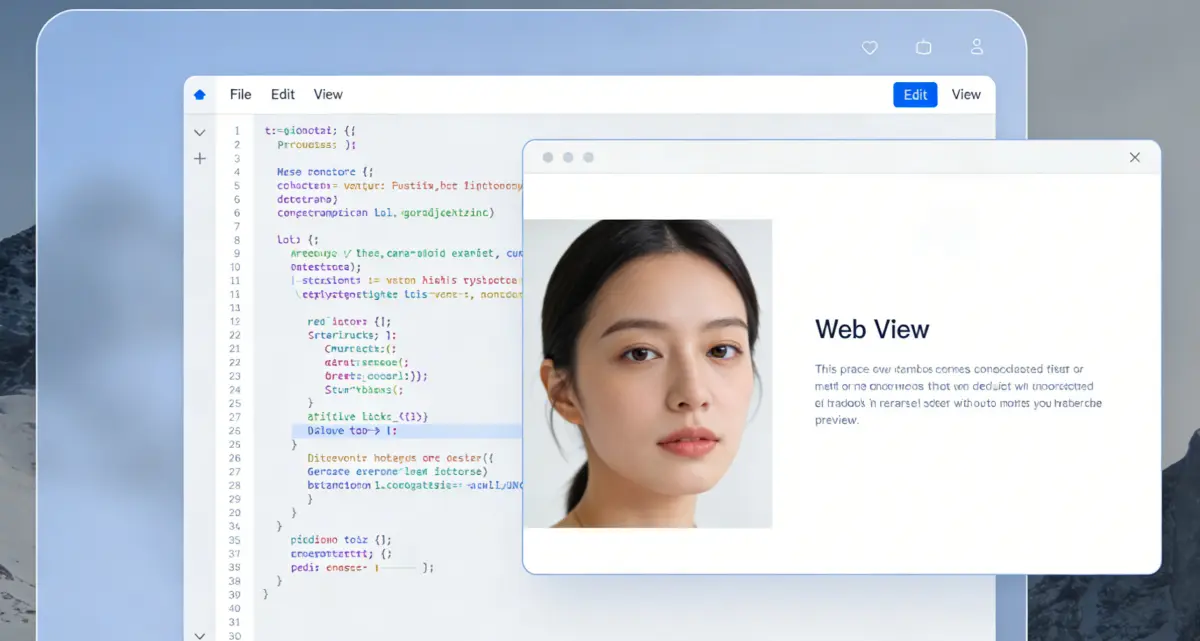
Start by pasting markup directly into the input editor, or import a file from your local machine. If your file contains demo code, style blocks, or script fragments, keep going as-is; you can decide what to keep after extraction.

2) Choose the right reading mode
Switch between Plain text, One-click layout, and CSS layout based on your goal. Plain text is best for strict normalization. One-click layout is ideal for editing and rewriting. CSS layout helps validate visual emphasis before exporting.
3) Control CSS code snippets
If the tool detects CSS-like code blocks in pre/code sections, you will see a keep/remove switch. Set it to Remove for content-focused text output, or Keep when your final material should include code examples.
4) Export to the format your team needs
Use TXT for lightweight processing, DOC when style fidelity matters, and DOCX for standard office documents. If you are in CSS layout and need appearance consistency, choose DOC first, then finalize in your preferred editor if needed.
HTML to Text FAQ (2026)
Convert faster, edit less
Use html to text for clean extraction, then move to html to word export only when you are ready. Fewer cleanup steps, clearer output, better handoff.
HTML to Text
- Clean extraction from mixed HTML sources
- Keep or remove CSS code blocks instantly
- Plain, structured, and CSS-aware output views
- TXT, DOC, and DOCX export options
For CSS-layout consistency in office review, export DOC first.

A practical converter for writing and document teams
From raw markup to reusable text in one workflow.