
HTML Decode
HTML Decode when the string looks fine but reads like noise
Escaped HTML shows up everywhere tickets, JSON payloads, database exports, and “view source” copies that went through one tool too many. The content is often correct; it is just stored as entities so `<` becomes `<` and quotes turn into `"`. That is fine for transport. It is miserable when you need to edit the snippet, drop it into a template, or explain to a teammate what the field actually contains. This html decode online workspace is built for that moment. Paste the escaped string on the left; the right side updates as you type. No upload step, no account, no waiting on a server to echo your paste back. Most jobs finish with **Decoded text** visible by default—you see characters, not a wall of ampersand codes. Two details separate this from a one-line `unescape` snippet in a REPL. First, **double decoding**: when a pipeline encoded twice, one pass leaves `<` on the page and you know something is still wrong. Switch to **Twice** and the toolbar highlights when a second pass will change the result. Second, when the decoded output is real markup, you can open a **live preview of that decoded HTML** in a sandboxed iframe while keeping the text view one click away—useful when the question is “did I get tags back?” not “what is character 842?”
What an html decoder actually reverses
Decoding turns entity references back into the characters they stand for: `&` to `&`, `<` to `<`, numeric forms like `'` to an apostrophe, and common named entities you see in CMS exports. This html decoder handles that transform on the full paste—fragments, partial templates, or long log lines—not only perfectly formed documents. It does not repair broken tags, re-indent markup, or strip scripts. Think of it as opening a sealed envelope, not rewriting the letter inside. If you need structure cleanup afterward, that belongs in an editor or formatter; decode’s job is to make the string readable again.
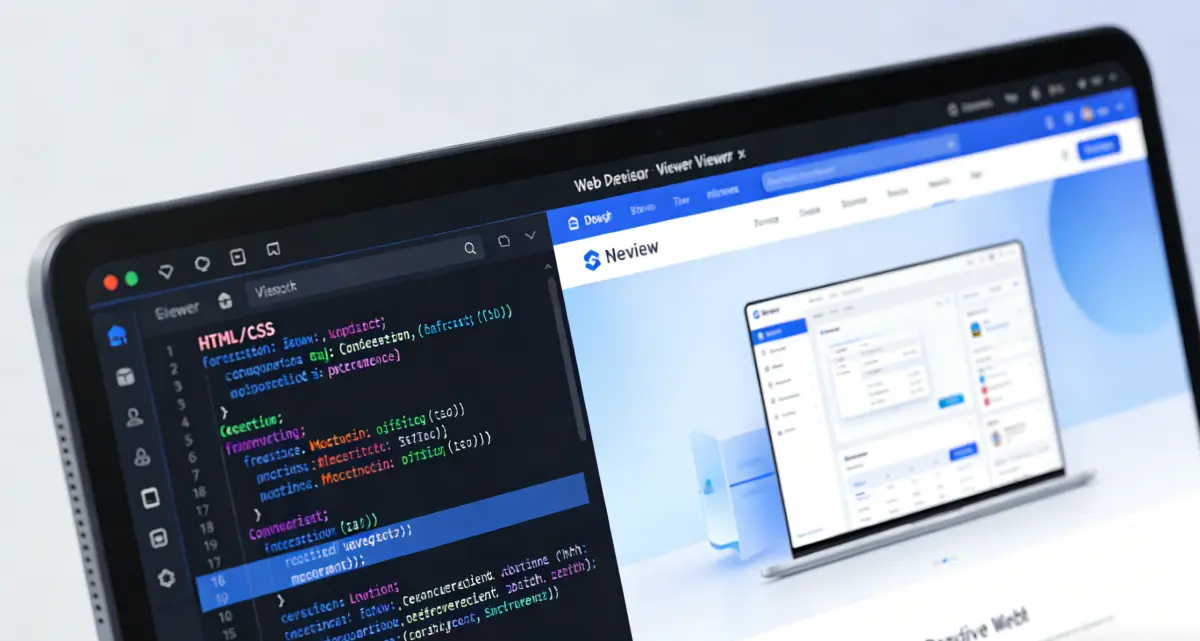
When output contains recognizable HTML, the right column offers **Preview** and **Decoded text** tabs. Preview renders the **decoded** result—not the escaped input—so you can sanity-check layout after entities are gone. The interface defaults to Decoded text because many tasks end in plain sentences or attribute values with no tags at all. Preview stays optional for the cases where seeing the fragment matters.
Open the HTML Decode toolOnce or twice, with a nudge when twice helps
The pass selector turns amber when a second decode would change output—common with double-encoded API fields—so you are not guessing from entity soup.
Preview decoded markup, not the escape layer
Iframe preview runs on the cleaned string after decode. You confirm tags came back before copying into an editor.
Import, copy, download—local only
Load `.txt` or `.html` exports from disk, copy decoded text, or save `.txt` for a ticket attachment. Processing stays in the browser tab.
Why this html decoder fits real support and integration work
Unescape entities for reading and paste—not a full HTML IDE crammed into one page.

Made for strings that arrive already escaped
Integrators and support staff rarely get clean markup. They get a JSON value where every bracket is escaped, or a ticket field that stores `&lt;table&gt;` because two systems touched the same field. A focused HTML Decode flow lets you inspect that string without writing ad-hoc scripts or pasting into tools that silently truncate long lines. Output updates live as you edit the left panel, so you can trim a trailing newline, compare before/after, or re-run after changing passes. Import from file when the escape chain lives in an export too large for chat paste.
How to decode HTML code (three practical steps)
1) Paste or import the escaped string
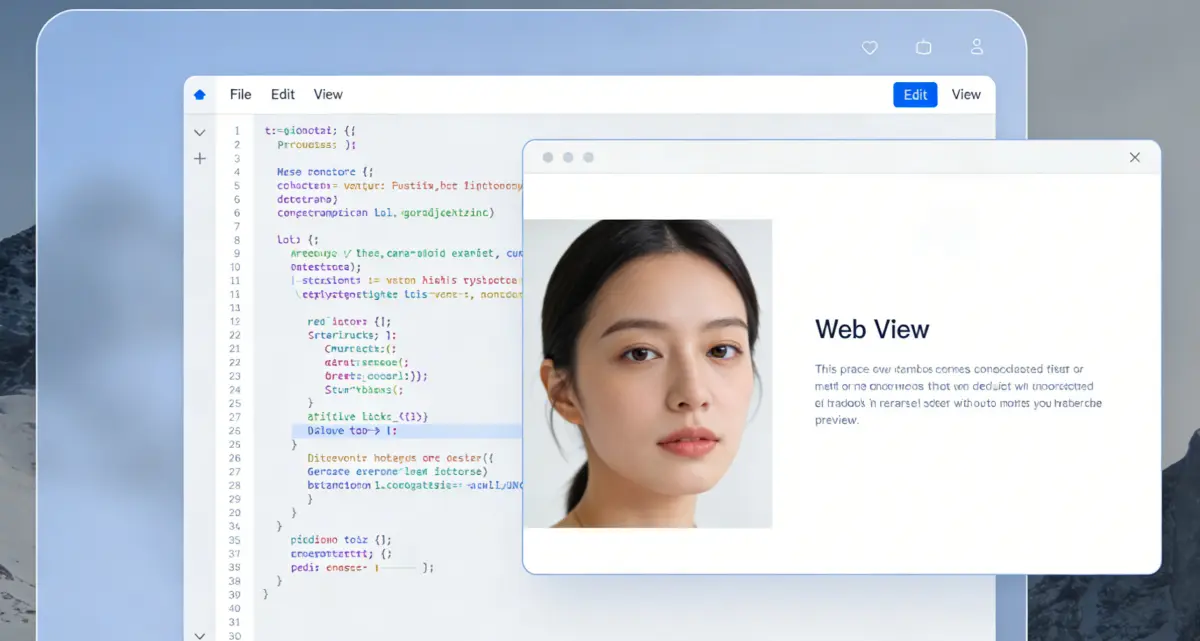
Put the encoded content in the left panel—ticket body, API field, log extract, or file export. **Import from file** works for `.txt` and `.html` when the string is already on disk. You do not need a full document; partial escapes decode the same way.

2) Choose once or twice and read decoded output
Start with **Once**. If the right side still shows leading `&` on entity names, or the toolbar suggests a second pass, switch to **Twice**. The **Decoded text** tab stays selected by default so you see characters immediately. Open **Preview** only when decoded output contains tags you want to eyeball.
3) Copy or download, then edit elsewhere
Copy the decoded string into your editor, CMS, or test harness. Download `.txt` if you attach artifacts to incidents. Clear the panel on shared machines when you are finished.
HTML Decode FAQ
Turn entity noise back into readable text
HTML Decode in the browser—once or twice, with preview when decoded output is markup.
HTML Decode
- Browser-local html decoder
- Once or twice decode with smart hint
- Live preview of decoded HTML
- Copy decoded text or download .txt
Runs in your browser. No account required.

Stop reading ampersand soup
Paste escaped strings, decode live, preview markup when it helps, copy when it reads right.